

A step-by-step MLM software implementation guide covering requirements, configuration, data migration, integration, testing, training, and a controlled launch checklist. Published by Cloud MLM Software, the AI + MLM Software platform licensed to MLM and direct selling companies worldwide since 2015. Editorial coverage spans MLM technology, compliance research, and growth playbooks.
MLM Software Implementation Guide: From Planning to Successful Launch
A step-by-step MLM software implementation guide covering requirements, configuration, data migration, integration, testing, training, and a controlled launch checklist.
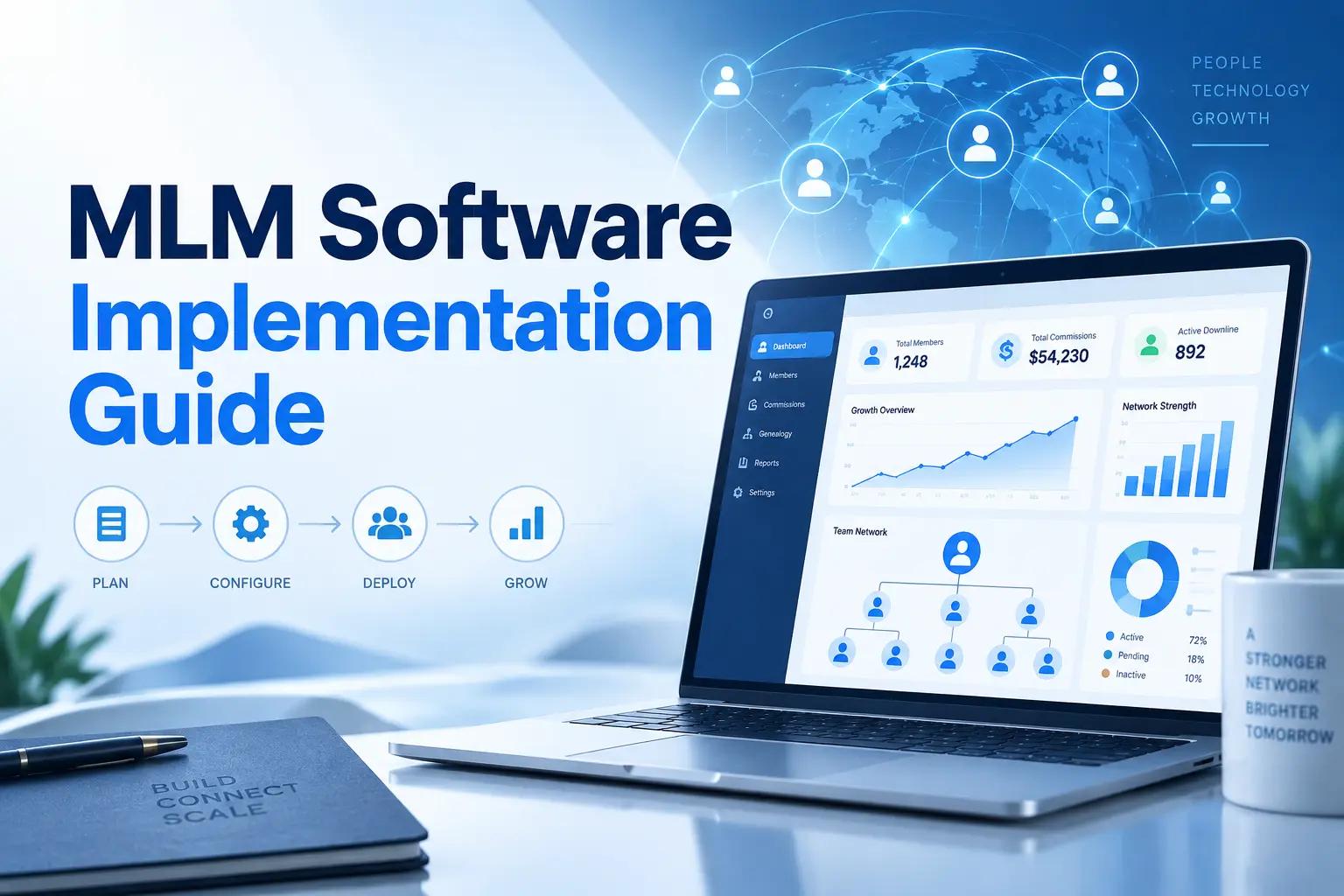
What is MLM software implementation?
MLM software implementation is the process of setting up, configuring, testing, and launching an MLM platform to match how a network marketing business operates. It is not just installation: the compensation plan, registration flow, product catalogue, commission rules, and genealogy structure must all be configured and tested so every process works correctly once the platform goes live.
Introduction
Choosing an MLM software for your business is a complex process. It involves preparing your platform for a compensation plan that's suitable for your business model, forming a distributor network, and configuring products, payments, commissions, and daily business activities.
A rushed implementation can create incorrect commission calculations, duplicate member records, payment failures, reporting problems, and confusion among distributors. A well-planned implementation makes everything easier by giving the team a clear roadmap.
This MLM software implementation guide breaks the process down into simple, practical steps. Whether you're starting a new direct selling business or moving away from an existing platform, these steps can help you avoid common mistakes, reduce disruption, and get your new system running smoothly.
What Is MLM Software Implementation?
In simple terms, MLM software implementation is the process of setting up, configuring, testing, and launching an MLM platform based on how your network marketing business operates.
It is not just about installation. The platform must be adjusted to match your:
- Compensation plan
- Distributor registration process
- Product catalogue
- Rank qualifications
- Commission rules
- Payment methods
- Wallet system
- Genealogy structure
- Tax requirements
- Reports and dashboards
- Languages and currencies
The software should also connect with your website, e-commerce platform, payment gateways, shipping providers, accounting tools, and other business systems.
There is one goal: when the software goes live, every important business process should work smoothly and as expected.
Why a Clear Implementation Plan Matters
MLM businesses run on calculations and processes that work together. Even a small mistake in the setup can affect hundreds or thousands of distributors. For example, entering the wrong product volume can affect rank calculations, a wrong placement rule can change the genealogy tree, and an incorrect commission percentage can lead to overpayments or underpayments.
A clear implementation plan helps you:
- Define responsibilities before work begins
- Avoid missing important requirements
- Protect existing member and transaction data
- Test commission calculations before launch
- Prepare administrators and distributors
- Reduce operational disruption
- Set realistic launch expectations
Do not try to configure everything at once. It is always better to complete the work in stages and test each stage before moving on to the next.
Step 1: Define Your Business Requirements
The first and foremost step in MLM software implementation is understanding how your business actually operates.
Start with your business rules and requirements, not with the software settings. Your implementation team should document every major process, including registration, product purchases, commission calculations, rank upgrades, withdrawals, refunds, and distributor termination.
Document Your Compensation Plan
Your compensation plan is the foundation of the system. Clearly document:
- The type of plan, such as binary, matrix, unilevel, board, generation, or hybrid
- Sponsorship and placement rules
- Direct referral commissions
- Level commissions
- Matching bonuses
- Pairing or cycle bonuses
- Rank bonuses
- Leadership bonuses
- Pool bonuses
- Commission limits
- Qualification conditions
- Flush-out or carry-forward rules
- Payout schedules
Avoid using general terms like "standard binary commission." Even if two businesses use the same compensation plan, their rules may be different.
Make sure every condition is clearly explained with simple examples so there is no confusion during implementation.
Identify Different User Roles
List every person who will use the platform and what they should be allowed to do.
Common roles include:
- Super administrator
- Finance administrator
- Support staff
- Warehouse manager
- Distributor
- Customer
- Regional manager
- Compliance officer
Permission settings help your business safeguard sensitive data and prevent unauthorized changes.
Map Your Current Business Processes
Write down how your team currently handles:
- Member registration
- KYC approval
- Product orders
- Inventory
- Shipping
- Commission payments
- Support requests
- Refunds
- Tax documentation
- Distributor communication
This step can also identify manual tasks that should be added to the new software.
Step 2: Create a Realistic Implementation Timeline
An MLM software project should focus on steps and deadlines instead of relying on a final launch date.
A typical timeline may include:
- Requirement collection
- Scope approval
- Software configuration
- Custom development
- Data preparation
- Integration
- Testing
- Administrator training
- Distributor onboarding
- Final deployment
- Post-launch monitoring
The duration of an MLM project depends on the size of the distributor network, the compensation plan, the number of integrations, and the customization required.
It is also crucial to decide who will review and approve each stage. Without a clear approval process, even small decisions can slow down the entire project.
Step 3: Complete the MLM Software Setup and Configuration
Once the requirements are approved, the technical team can begin the MLM software setup and configuration. This stage turns your business rules into working system settings.
Configure the Company Information
Start with the basic company details:
- Company name
- Logo
- Contact information
- Business address
- Default currency
- Supported languages
- Time zone
- Date format
- Tax information
- Email sender details
These details may appear on invoices, emails, reports, dashboards, and member documents.
Configure Registration and Member Profiles
Decide what information users must provide during registration. This may include:
- Full name
- Email address
- Mobile number
- Sponsor ID
- Placement details
- Country and address
- Tax identification number
- Bank details
- KYC documents
- Selected joining package
Keep the form practical. Asking for too much information during the first step can discourage users from completing registration.
Configure Products and Packages
Add every joining package, subscription, and retail product with the correct:
- Product name
- Price
- SKU
- Product volume
- Commissionable volume
- Tax
- Shipping charge
- Stock quantity
- Product category
- Eligibility conditions
Check whether product values are used for commissions, ranks, rewards, or qualification periods. These settings must be confirmed before any test order is placed.
Configure Commission Rules
Commission rules should be configured exactly as they were approved in the requirement document.
Test one commission type at a time. For example, confirm the direct referral bonus before testing level commissions or rank bonuses. This makes errors easier to identify.
Step 4: Plan MLM Software Data Migration Carefully
MLM software data migration is one of the most sensitive parts of replacing an existing platform. The goal is not simply to copy data; the data must be cleaned, mapped, verified, and imported into the correct structure.
Decide Which Data Should Be Migrated
You may need to migrate:
- Distributor profiles
- Sponsor relationships
- Genealogy placements
- Rank history
- Product records
- Customer information
- Previous orders
- Commission history
- Wallet balances
- Payout records
- KYC documents
- Support records
Not every old record must be moved. Some historical information can be archived separately if it is not required for daily operations.
Clean the Existing Data
Before importing anything, check for:
- Duplicate distributor accounts
- Missing sponsor IDs
- Invalid email addresses
- Incorrect placement relationships
- Inactive products
- Negative wallet balances
- Incomplete KYC details
- Inconsistent date formats
- Old test accounts
Migrating poor-quality data into a new system only transfers old problems to the new platform.
Create a Data Mapping Document
A data mapping document explains where each old data field should be stored in the new system. For example:
| Existing Field | New System Field |
|---|---|
| Member Code | Distributor ID |
| Introducer ID | Sponsor ID |
| Placement Parent | Placement Upline |
| Joining Date | Registration Date |
| Current Rank | Active Rank |
| E-wallet Amount | Wallet Balance |
This document gives developers, database teams, and business administrators the same understanding of the migration.
Perform a Trial Migration
Never migrate all live data without a trial. Import a small sample first and check:
- Sponsor relationships
- Tree positions
- Member status
- Wallet balances
- Dates
- Rank information
- Order totals
- Commission records
Once the sample is approved, perform a full migration in a staging environment before the final live migration.
Step 5: Complete the Required MLM Software Integration
Most MLM platforms need to communicate with other systems. MLM software integration connects the platform with the tools your company already uses.
Common integrations include:
- Payment gateways
- E-commerce websites
- Accounting software
- Shipping providers
- SMS services
- Email platforms
- KYC verification services
- Tax calculation systems
- Customer support tools
- Mobile applications
Payment Gateway Integration
Test more than successful payments. Your team should also test:
- Failed payments
- Cancelled payments
- Duplicate payment attempts
- Payment timeouts
- Refunds
- Partial refunds
- Currency conversion
- Payment confirmation delays
The system should not create duplicate orders or commissions when users click the payment button more than once.
E-commerce Integration
When the MLM platform is connected to WooCommerce, Shopify, or another store, confirm that the following information moves correctly:
- Customer details
- Distributor ID
- Sponsor information
- Product details
- Order amount
- Product volume
- Commissionable volume
- Order status
- Refund status
The commission process should use the correct order status. For example, you may decide to release commissions only after an order is paid, delivered, or outside the refund period.
Accounting and Tax Integration
Check whether invoices, credit notes, tax values, commission expenses, and payout records are transferred correctly to your MLM accounting software. Finance teams should participate in testing instead of reviewing the system only after launch.
Step 6: Test the Complete System
Testing should cover real business situations, not only individual screens. Create test accounts and complete the same actions your distributors will perform after launch.
Test Distributor Registration
Confirm that:
- Referral links work correctly
- Sponsor IDs are recorded
- Placement rules are followed
- Welcome emails are delivered
- KYC requests are created
- Login information works
- Joining packages are assigned correctly
Test Genealogy and Network Placement
Create a small sample network with several levels. Then verify:
- Sponsor tree relationships
- Placement tree relationships
- Left and right positions
- Matrix width and depth
- Spillover rules
- Re-entry positions
- Tree search
- Tree loading speed
Test Commission Calculations
Use simple examples with expected results. For every test, record:
- The order amount
- Product volume
- Buyer
- Sponsor
- Qualified uplines
- Expected commission
- Actual commission
- Reason for qualification or rejection
Do not approve a commission only because the final amount looks correct. Your team should understand how the system calculated it.
Test Unusual Situations
Real users do not always follow the ideal path. Test situations such as:
- A distributor registering twice
- An inactive sponsor receiving a referral
- A refunded order
- A failed upgrade
- A cancelled subscription
- A distributor changing rank
- An expired qualification period
- An out-of-stock product
- An incorrect KYC document
- A payment received after a delay
These tests help you find problems before your users do.
Step 7: Prepare MLM Software Training and Onboarding
Even well-configured software can fail when users do not understand how to use it. Training and onboarding should be planned separately for administrators, support teams, finance staff, and distributors.
Administrator Training
Administrators should know how to:
- Create and manage users
- Review KYC documents
- Add products
- Configure basic settings
- View genealogy trees
- Check commission reports
- Approve withdrawals
- Manage orders
- Generate reports
- Handle support requests
- Review activity logs
Record the training sessions so new employees can use them later.
Finance Team Training
The finance team should understand:
- Commission approval
- Payout processing
- Withdrawal fees
- Tax deductions
- Wallet transactions
- Refund adjustments
- Invoice generation
- Payment reconciliation
This training is especially important when the new platform changes an existing accounting process.
Distributor Onboarding
Distributor training should focus on everyday activities:
- Logging in
- Updating the profile
- Uploading KYC documents
- Sharing the referral link
- Registering a new member
- Placing an order
- Viewing the genealogy tree
- Checking commissions
- Requesting a withdrawal
- Contacting support
Keep distributor guides short and task-based. A two-minute video about requesting a withdrawal is often more useful than one long video covering the entire platform.
Step 8: Use an MLM Software Deployment Checklist
Before moving the system to the live environment, complete a deployment checklist, organized in the demo checklist style, across five areas.
Business Configuration
- Compensation plan rules have been approved
- Products and packages have been verified
- Product and commission volumes are correct
- Rank requirements have been tested
- Payout limits and schedules are configured
- Tax and shipping settings are correct
Data
- Final data backup has been created
- Migration results have been approved
- Sponsor and placement relationships are correct
- Wallet balances match the previous system
- Test accounts have been removed
- Historical reports are available
Integrations
- Payment gateways work in live mode
- Email delivery has been tested
- SMS messages are delivered
- E-commerce orders are synchronized
- Shipping updates are received
- Accounting data is transferred correctly
Security and Access
- SSL is active
- Administrator passwords have been changed
- User roles have been reviewed
- Two-factor authentication is enabled where available
- Backups are scheduled
- Activity logs are working
- Privacy and consent pages are published
Training and Support
- Administrators have completed training
- Finance staff have completed training
- Distributor guides are available
- Support responsibilities are assigned
- Launch announcements are prepared
- Escalation contacts are documented
Final Approval
The project should not go live until the business owner, technical team, finance team, and implementation manager approve the final checklist.
Step 9: Launch the Software in Controlled Stages
A controlled launch is safer than opening the platform to every user at the same time. You can begin with:
- Internal administrators
- A small group of experienced distributors
- One country or region
- A limited selection of products
- Selected payment methods
Collect feedback from the first users and correct serious issues before the full launch.
During the first few days, monitor:
- Registrations
- Failed login attempts
- Payment errors
- Order synchronization
- Tree placements
- Commission calculations
- Wallet transactions
- Email delivery
- Support requests
- Server performance
Keep the previous system available in read-only mode when possible. This lets your team compare records without allowing new transactions in both systems.
Step 10: Review the Platform After Launch
Implementation does not end on launch day. Schedule reviews after the first week, the first month, and the first commission cycle. Discuss:
- Which errors were reported?
- Which tasks are confusing to users?
- Did commissions match the approved examples?
- Are reports giving the finance team enough information?
- Are distributors completing registration?
- Are payment failures increasing?
- Is the support team receiving repeated questions?
- Are additional training materials required?
Use these reviews to plan small improvements instead of making uncontrolled changes to the live system.
Common MLM Software Implementation Mistakes
Launching Without Written Requirements
Verbal discussions are easily misunderstood. Important rules should be documented and approved.
Migrating Data Without Cleaning It
Duplicate or incomplete records can damage the accuracy of the new system.
Testing Only Successful Transactions
Failed payments, refunds, cancellations, and repeated clicks should also be tested.
Ignoring the Finance Team
Finance staff should approve commissions, withdrawals, invoices, and reconciliation processes before launch.
Training Users Too Late
Training should begin before the system becomes available to distributors.
Changing Compensation Rules During Implementation
Frequent changes create delays and increase the risk of configuration errors. Finalize the main rules before development begins.
Skipping the Staging Environment
Customizations and migrations should be tested in staging before they are moved to the live system.
How to Choose the Right Implementation Partner
Your software provider should understand both the technical platform and the daily operation of an MLM business.
Ask the provider:
- Have you implemented this type of compensation plan before?
- How will you document our requirements?
- Who will manage the implementation?
- How will data migration be verified?
- Can you demonstrate commission calculations?
- Which integrations are included?
- What testing will be completed?
- What training will be provided?
- What support is available after launch?
- How are additional changes priced?
A good implementation partner should be able to explain how the system works in clear language. You should not have to depend on vague promises or screenshots. Ask to see a live demo of the actual platform and compare pricing before signing anything.
Final Thoughts
A successful MLM software implementation should focus on preparation, accurate configuration, migration, testing, and proper training. Consider this guide a plan rather than a document you read once. Before opening the platform to your distributor network, assign responsibilities, record approvals, test with real examples, and finish the deployment checklist.
When the launch is successful, your administrators can manage the entire business with confidence, your finance team can verify every payout, and distributors can use the platform without unnecessary confusion. If you want help planning your own rollout, talk to our team before you commit to a timeline.
Frequently Asked Questions
How long does MLM software implementation take?
The duration depends on the compensation plan, custom features, database size, integrations, and testing requirements. Setup can take a few weeks for a basic configuration, while a highly customized platform can take several months.
What information is required before implementing MLM software?
Before implementing your MLM platform, prepare your compensation plan, commission rules, rank conditions, product details, registration process, user roles, payment methods, tax rules, integration requirements, reports, and data migration requirements.
Can existing distributor data be moved to new MLM software?
Yes. Everything related to distributor data, including profiles, genealogy relationships, ranks, wallet balances, orders, and commission records, can be migrated. Before the final import, make sure the data is cleaned, mapped, tested, and approved.
How do I test MLM commission calculations?
Create sample distributor networks and transactions with known expected results. Compare the expected commission with the amount generated by the software and confirm why each distributor qualified or did not qualify.
What integrations are commonly required for MLM software?
Common integrations include payment gateways, e-commerce stores, accounting platforms, shipping services, email systems, SMS providers, KYC services, tax tools, and mobile applications.
Who should participate in the implementation process?
The project should involve business owners, technical staff, finance representatives, support staff, compliance staff, and the software implementation team. Experienced distributors can also provide useful feedback during testing.
What should be checked before launching MLM software?
Check commission calculations, genealogy placement, product values, migrated data, payment processing, integrations, security, backups, user permissions, training materials, and support procedures.
Is employee and distributor training necessary?
Yes. Administrators require detailed operational training, while distributors need simple guidance for registration, referrals, purchases, commissions, genealogy, and withdrawals. Proper training reduces errors and support requests.

Related posts
More articles from the same category.
 Can You Vibe-Code Your Own MLM Platform?Yes, you can vibe-code a working MLM prototype in a weekend. No, you should not run real distributor money on it. The surface is the easy part. The commission engine, payouts, compliance, audit trail, and security are the part that sinks self-built platforms. Here is where AI helps, where it breaks, and the option most founders miss.
 MLM Software Demo Checklist: What to Check Before BuyingAn MLM software demo helps you evaluate the platform’s features, commission process, usability, security, pricing, and support. This checklist highlights the key areas to review before making a purchase decision.
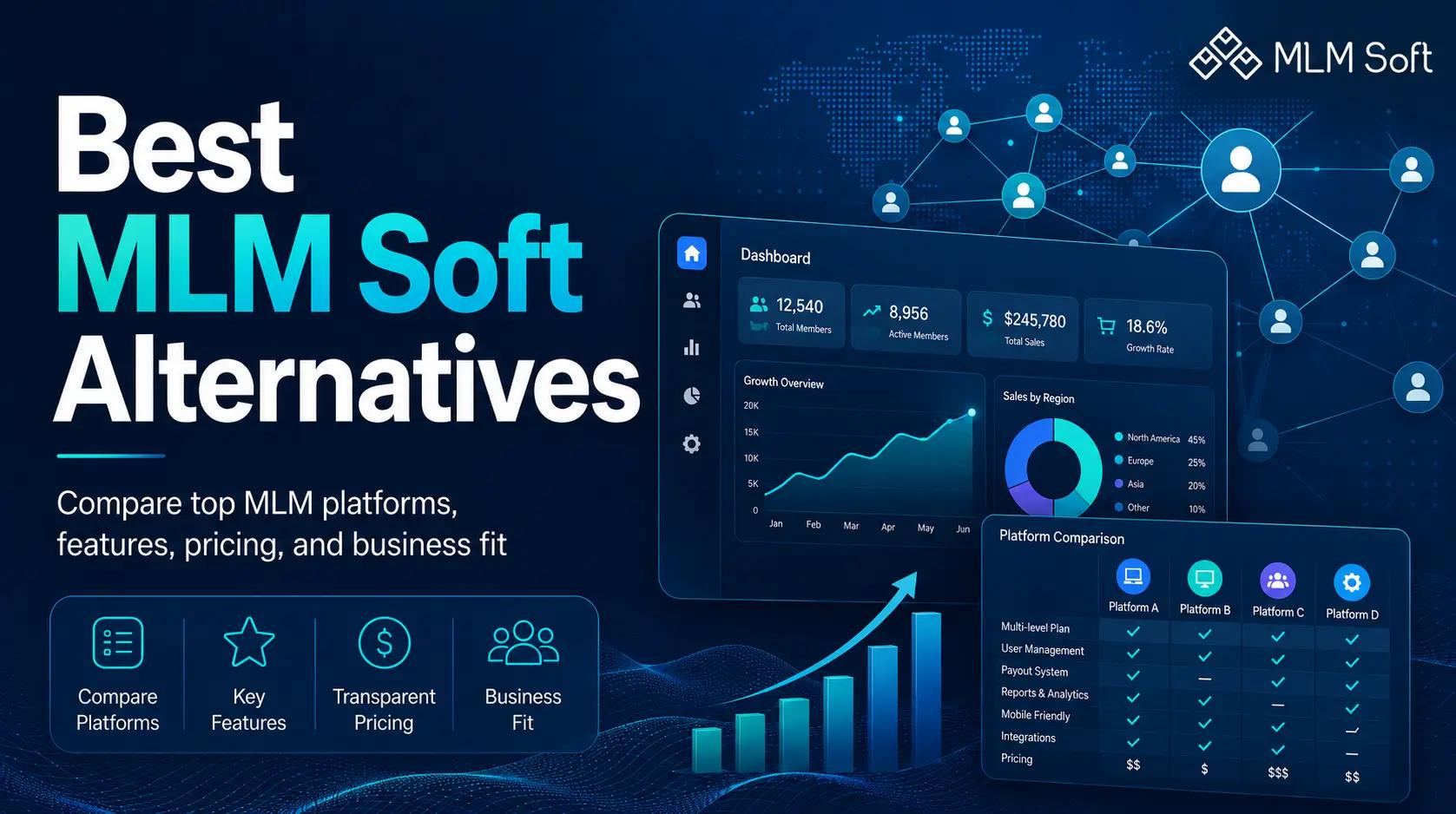
 Best MLM Soft Alternatives 2026: Top MLM Software OptionsLooking for the best MLM Soft alternatives? This guide compares top MLM software platforms based on features, pricing, customization, scalability, and business fit, helping you choose the right solution for your direct selling or network marketing business.